Journal
What a premium product page needs to explain
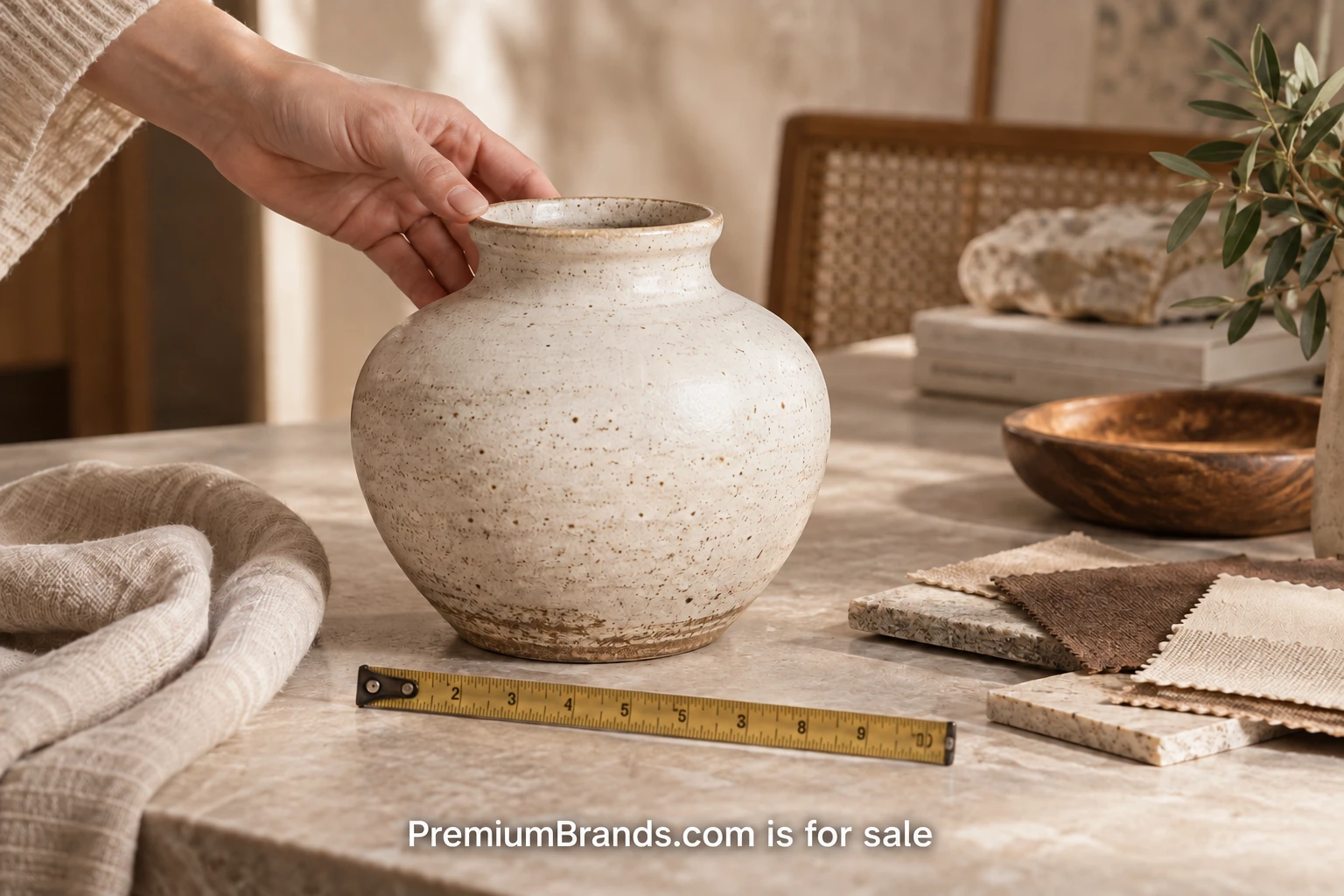
A product page has to answer the questions a customer would ask if the object were in front of them. How large is it? What does the surface feel like? Which version am I choosing? What will it take to keep it in good condition? For a considered purchase, those answers carry more weight than a paragraph of expensive-sounding adjectives. Start with the decision the customer is trying to make and organize the page around it.
Choose one existing product to audit. Keep its physical sample, supplier information and current page beside you. Write down what is known, what is claimed by the manufacturer and what is still missing. The aim is to produce a reliable explanation of this object. It should be possible for a colleague to maintain the page without needing to infer what the original writer meant.
Name the object and its intended use
The title should identify the product clearly enough to distinguish it from related items. A poetic collection name can remain, but pair it with a familiar product term. The opening sentence should explain the intended use and one relevant distinction. A shallow leather tray for a phone, keys and small desk items gives the reader something concrete to evaluate.
Avoid presenting a subjective quality judgment as a specification. Beautiful, refined and luxurious may describe a reaction, but they do not establish construction or suitability. Explain the edge finish, lining, fastening method or material thickness when that information is available and relevant. Let the customer connect the details to their own preferences.
State what is included. If the photograph contains a pen and notebook for scale, identify them as props when there is a reasonable chance of confusion. If the product is sold as a set, list the components and quantities. A customer should not need to inspect every image caption to understand what the displayed price buys.
Make measurements easy to imagine
Publish dimensions with units and name the order in which they appear. Width, depth and height are more usable than three unlabeled numbers. For products that hold other objects, provide usable internal measurements when the difference matters. A bag can have generous outside dimensions and a smaller opening or compartment.
Show a scale photograph with a familiar object, then retain the measurements in text. A photograph helps someone visualize size but does not replace a number. Avoid relying on hands as the only reference, since hands vary and perspective can distort the apparent scale. A simple diagram can be useful when several dimensions affect fit.
Separate product weight from packed shipping weight in the underlying record. Shopify’s product details page guidance notes the role of accurate weight in shipping calculations. The customer-facing page may show the item’s carrying weight while the operational record includes the information needed to ship it correctly.
Explain materials without stretching the evidence
Ask the supplier for the composition and construction details you need. Identify the outer material, lining, coating or trim separately when those differences matter. An object described simply as leather may include several other components. Clear descriptions help customers with care decisions and personal material preferences.
Attribute claims that come from the manufacturer when the distinction is useful. If the brand supplies a stated material composition, retain the supporting record. If your team measures the item, record the method and date internally. Avoid upgrading a supplier’s qualified statement into a broader promise. Suitable for occasional outdoor use does not automatically mean weatherproof in every situation.
Environmental and performance claims deserve especially careful handling. Use the precise supported wording and scope, and obtain appropriate review where needed. A page can still be persuasive with modest, well-documented facts. If the evidence is missing, focus on the details you can verify rather than filling the gap with a familiar badge or an unsupported superlative.
Photograph the parts customers will inspect
Plan the image set as answers to questions. A main photograph establishes appearance. A side view shows depth. A close-up explains texture or a join. An open view reveals compartments. A scale view shows use. Each image should add information, rather than repeat the same angle with a slightly different crop.
Keep color presentation consistent across the range and make clear which variant is selected. Match image labels to the names customers see in the selector. If natural material variations are expected, explain their scope using supplier-supported information and representative photographs. Do not use that explanation as a blanket excuse for an unrelated defect.
Write useful alternative text for informative images. Identify the product and the feature shown, without stuffing the text with search phrases. A diagram’s essential information should also be available in text. Review the page with images unavailable and check whether the customer can still understand the main specifications and ordering choices.
Make each variant a complete choice
Check that selecting a different size or finish updates the relevant price, image and availability. A small version may have different dimensions and capacity from the large version. Customers should not be expected to notice that the description still refers to a default option after they have changed the selection.
Shopify’s product details documentation distinguishes product information from details maintained for variants. Whatever store software you use, establish which facts belong to the shared product and which belong to each option. That decision makes it easier to keep both the page and the inventory record accurate.
For an illustrative desk tray, the shared description might cover leather type and care, while each size has its own dimensions, price and photographs. The selected variant should have an unambiguous name in the cart and order confirmation. Ask a colleague to order one specific option in a test environment and explain how they knew it was correct.
Put care and service near the decision
Care instructions should explain the actions a customer can take, using the maker’s current guidance. Avoid improvising cleaning methods for unfamiliar materials. If replacement parts or refills are available, provide the correct reference and route to obtain them. A premium purchase can depend on what happens months after delivery.
Link delivery and returns information near the buying controls, with wording that reflects the actual policy. If a product has a special dispatch window or return condition, make it visible before the order. General store information should not obscure an exception that applies to the selected item.
Finish the audit by asking a colleague to answer five questions using only the page: what arrives, whether it fits, which version to select, how to care for it and what delivery to expect. Record every hesitation. Update the missing information, verify the result against the sample and supplier record, then repeat the same practical audit for the next product.
Acquire PremiumBrands.com
Have a direction in mind? Share your intended use and begin a private conversation about the domain.
Inquire about the domain →
About Michael Santiago
Michael founded i-Newswire.com in 2007, later iNewswire.com and Newswire.com. That progression reflects the strength of a clear, category-defining name. The business sold to Issuer Direct for $44 million in 2022. Today, he develops premium domains and companies through OnlineBusiness.com.